

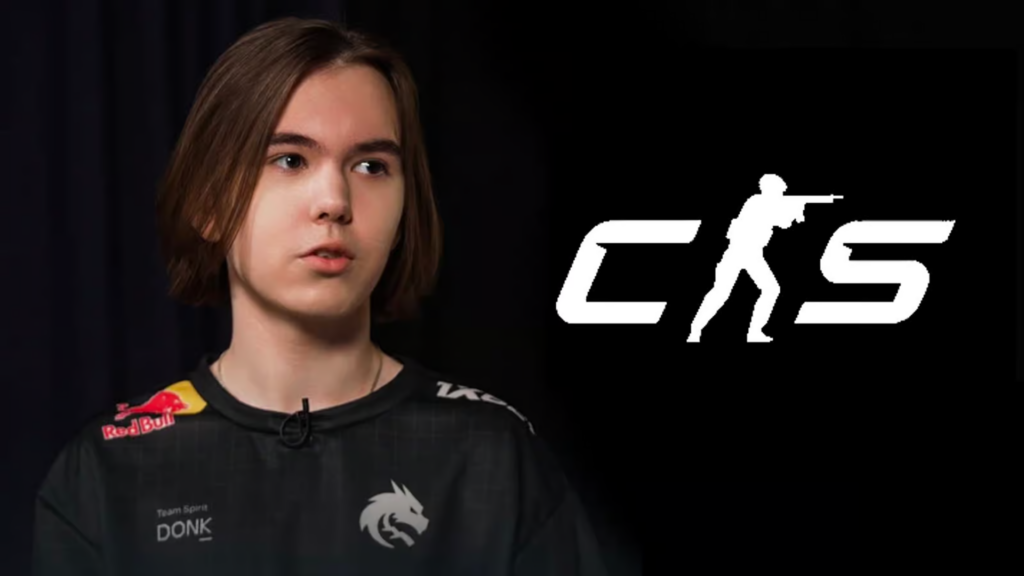

Danil “donk” Kryshkovets is Team Spirit’s star rifler and entry fragger. He isn’t just a breakout name — he won the Perfect World Shanghai Major 2024, earned Major MVP, and set the record as the youngest and highest-rated Major MVP with a 1.49 rating.
Here’s a full breakdown of donk’s CS2 settings, including crosshair, resolution, sensitivity, viewmodel, gear, and more.
Contents
- 1 Who Is Donk in CS2? Major Champion, Major MVP, and Team Spirit’s Main Star
- 2 Donk’s Complete CS2 Settings (2026): Crosshair, Sensitivity, Viewmodel & More
- 3 Donk’s CS2 Crosshair Code
- 4 Mouse DPI & Sensitivity: Donk’s Exact Settings
- 5 Viewmodel Settings for Better Peripheral Vision
- 6 Best Video Settings Used by Donk for FPS & Visibility
- 7 Monitor Settings: Donk’s BenQ ZOWIE XL2586X+ Setup
- 8 Donk’s Radar Settings
- 9 Donk’s HUD Settings
- 10 Donk’s Gaming Gear Setup: Mouse, Monitor, Keyboard & More
- 11 Should You Copy Donk’s CS2 Settings? Final Thoughts
- 12 FAQ: Donk’s CS2 Settings (2026)
- 13 What sensitivity and eDPI does donk use in CS2?
- 14 What crosshair code does donk use?
- 15 What resolution does donk use in CS2?
- 16 Should you copy donk’s CS2 settings exactly?
- 17 Where do you put a CS2 config file, and how do you load it?
Who Is Donk in CS2? Major Champion, Major MVP, and Team Spirit’s Main Star

- Name: Danil Kryshkovets
- Team: Team Spirit
- Country: Russia
- Birthday: January 25, 2007
- Prize money: $839,079
Donk is a Russian CS2 rifler for Team Spirit, known for his explosive aim and aggressive rifling style. On the T side, he dominates with confident map control and opening duels. On CT, he thrives on fast rotations and clutch fragging. He doesn’t typically AWP, so his settings are optimized for rifling and entry fragging — not sniping.
He rose from Spirit’s academy system into tier-one CS, then became HLTV’s #1 player of 2024 and the #2 player of 2025 — one of the most dominant riflers of the current era.
Compare his setup with NiKo, ZywOo, and more: Best Mouse DPI, Sensitivity, and Resolution Settings in CS2.
Donk’s Complete CS2 Settings (2026): Crosshair, Sensitivity, Viewmodel & More
This section lists donk’s latest CS2 config (2026) — from crosshair and sensitivity to viewmodel and FPS-focused video settings, so you can match his rifler setup fast.
Donk’s CS2 Crosshair Code

- Follow Recoil: No
- Dot: No
- Length: 1
- Thickness: 1
- Gap: -4.5
- Outline: No
- Color: Green
- Red: 0
- Green: 255
- Blue: 0
- Alpha: No
- T Style: No
- Deployed Weapon Gap: No
- Sniper Width: 0
Donk always switches his crosshairs to “feel better,” as he says, and usually does so between breaks in tournaments. Use this CS2 crosshair code to copy his setup:
CSGO-SND6x-vhZ87-XDCPz-BycJh-aK6FP
Need crosshair inspiration? Explore dozens of top-tier setups in Best CS2 Pro Crosshairs Codes 2026.
Mouse DPI & Sensitivity: Donk’s Exact Settings
- Mouse: Logitech G Pro X Superlight Magenta
- DPI: 800
- Sensitivity: 1.25
- eDPI: 1000
- Zoom Sensitivity: 1
- Polling Rate (Hz): 1000
- Windows Sensitivity: 4
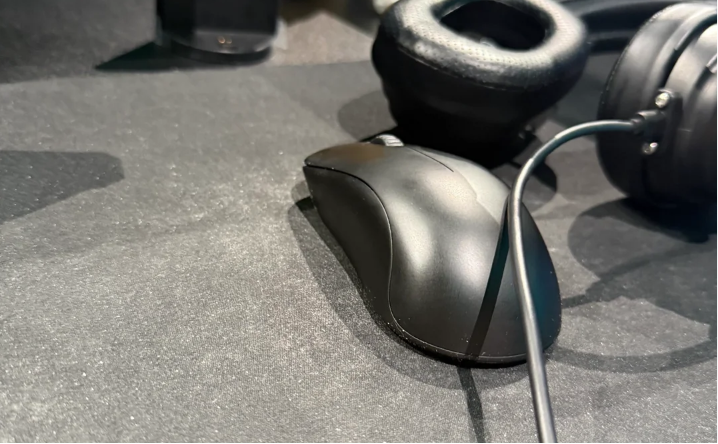
These low-sensitivity settings give donk better spray control and precision. In 2026 donk swapped his old Logitech G Pro X Superlight Magenta to a ZOWIE new mouse, which is currently in unreleased ver. and was probably created especially for donk.
As we see in the Twitter post, it has no side buttons, no logo on the back, looks more like a prototype.
Viewmodel Settings for Better Peripheral Vision
Donk uses a compact, right-hand viewmodel for better peripheral visibility.
- FOV: 68
- Offset X: 2.5
- Offset Y: 0
- Offset Z: -1.5
- Presetpos: 1
viewmodel_fov 68; viewmodel_offset_x 2.5; viewmodel_offset_y 0; viewmodel_offset_z -1.5; viewmodel_presetpos 1;
Want to fine-tune your training? Use these aim practice commands and pro config setups: CS2 Practice Commands & Pro Configs.
Best Video Settings Used by Donk for FPS & Visibility
- Resolution: 1280×960 (Stretched)
- Aspect Ratio: 4:3
- Display Mode: Fullscreen
- Brightness: 93%
- Boost Player Contrast: Enabled
- V-Sync: Disabled
- Global Shadow Quality: High
- Dynamic Shadows: All
- Model / Texture Detail: Low
- Shader Detail: Low
- Particle Detail: Low
- Ambient Occlusion: Disabled
- High Dynamic Range: Quality
- Multisampling Anti-Aliasing Mode: 8x MSAA
- Texture Filtering Mode: Bilinear
- FidelityFX Super Resolution: Disabled (Highest Quality)
- Max FPS in Game: 600
- NVIDIA Reflex + G-Sync: Disabled
Donk prioritizes high FPS and visibility over graphical fidelity.
Looking to boost FPS or visual clarity? Follow this optimization guide: Best Graphics Settings for CS2.
Monitor Settings: Donk’s BenQ ZOWIE XL2586X+ Setup
- DyAc: Premium
- Black eQualizer: 10
- Color Vibrance: 10
- Low Blue Light: 0
- Picture Mode: Gamer 2
- Brightness: 70
- Contrast: 70
- Sharpness: 10
- Gamma: Gamma 2
- Color Temperature: User Define (R: 100 / G: 100 / B: 100)
- AMA: High
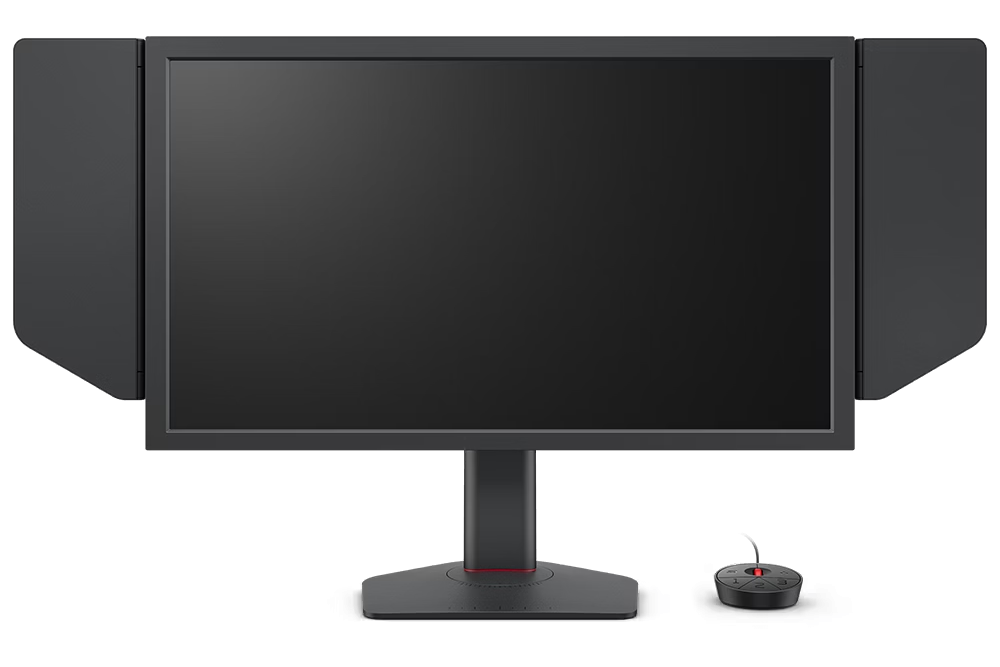
Donk uses a BenQ ZOWIE XL2586X+ with a visibility-first preset: DyAc Premium for clearer motion and aggressive Black eQualizer 10 + Color Vibrance 10 to make enemies stand out in darker angles. His profile stays crisp and responsive with AMA High, Gamma 2, Brightness 70 / Contrast 70 / Sharpness 10, and a neutral User Define color temperature (R100/G100/B100).
Donk’s Radar Settings
- Radar Centers The Player: Yes
- Radar is Rotating: Yes
- Toggle Shape With Scoreboard: Yes
- Radar Hud Size: 1
- Radar Map Zoom: 0.7
Donk uses an interesting key binding, that zooms the radar by clicking the binded button.
bind "capslock" "toggle" cl_radar_scale 0.7 1
Donk’s HUD Settings
- HUD Scale: 1
- HUD Color: Pink
Donk’s Gaming Gear Setup: Mouse, Monitor, Keyboard & More

- Monitor: BenQ ZOWIE XL2586X+
- Mouse: ZOWIE x donk Mouse (Unreleased)
- Keyboard: Logitech G Pro X Keyboard (GX Blue Clicky)
- Headset: HyperX Cloud II
- Mousepad: SteelSeries QcK+
- Earphones: Shure SE215 Clear
- Chair: Blacklyte Kraken Pro
- Desk: Blacklyte Atlas Lite
Donk’s gear is lightweight, tournament-tested, and optimized for raw aim performance.
Should You Copy Donk’s CS2 Settings? Final Thoughts
Copying donk’s CS2 settings can be a great starting point — his setup is built for rifling consistency, fast entry fights, and clean visibility. But it won’t magically boost your aim overnight, because your “feel” depends on your DPI, mouse weight, mousepad speed, monitor refresh rate, and grip style.
Use donk’s config as a baseline, then adjust only what matters:
- If you overflick, lower sensitivity slightly (or raise it if you underflick).
- Keep changes small and give each tweak a few matches to judge it.
The goal isn’t to “be donk”— it’s to find the version of his settings that’s stable for you.
FAQ: Donk’s CS2 Settings (2026)
What sensitivity and eDPI does donk use in CS2?
Donk plays on 800 DPI and 1.25 sensitivity, which equals 1000 eDPI (a popular “control-first” rifler range).
What crosshair code does donk use?
Donk uses a compact crosshair and often tweaks it between events. In this guide, you can copy his setup using the crosshair code provided: CSGO-SND6x-vhZ87-XDCPz-BycJh-aK6FP
What resolution does donk use in CS2?
Donk uses 1280×960 stretched (4:3) for larger player models and faster target pickup.
Should you copy donk’s CS2 settings exactly?
Use them as a baseline, not a rule. Your ideal feel depends on DPI, mousepad speed, refresh rate, and grip, so adjust in small steps after a few matches.
Where do you put a CS2 config file, and how do you load it?
Place the config in your CS2 cfg folder, then launch the game and run exec yourconfig.cfg in the console to apply it.
